An app for Codex CLI and Koda
OpenAI Codex and Koda are console coding agents. In VibeCoder they work in the same friendly chat as Claude Code: over your project folder, with history, voice and attachments.
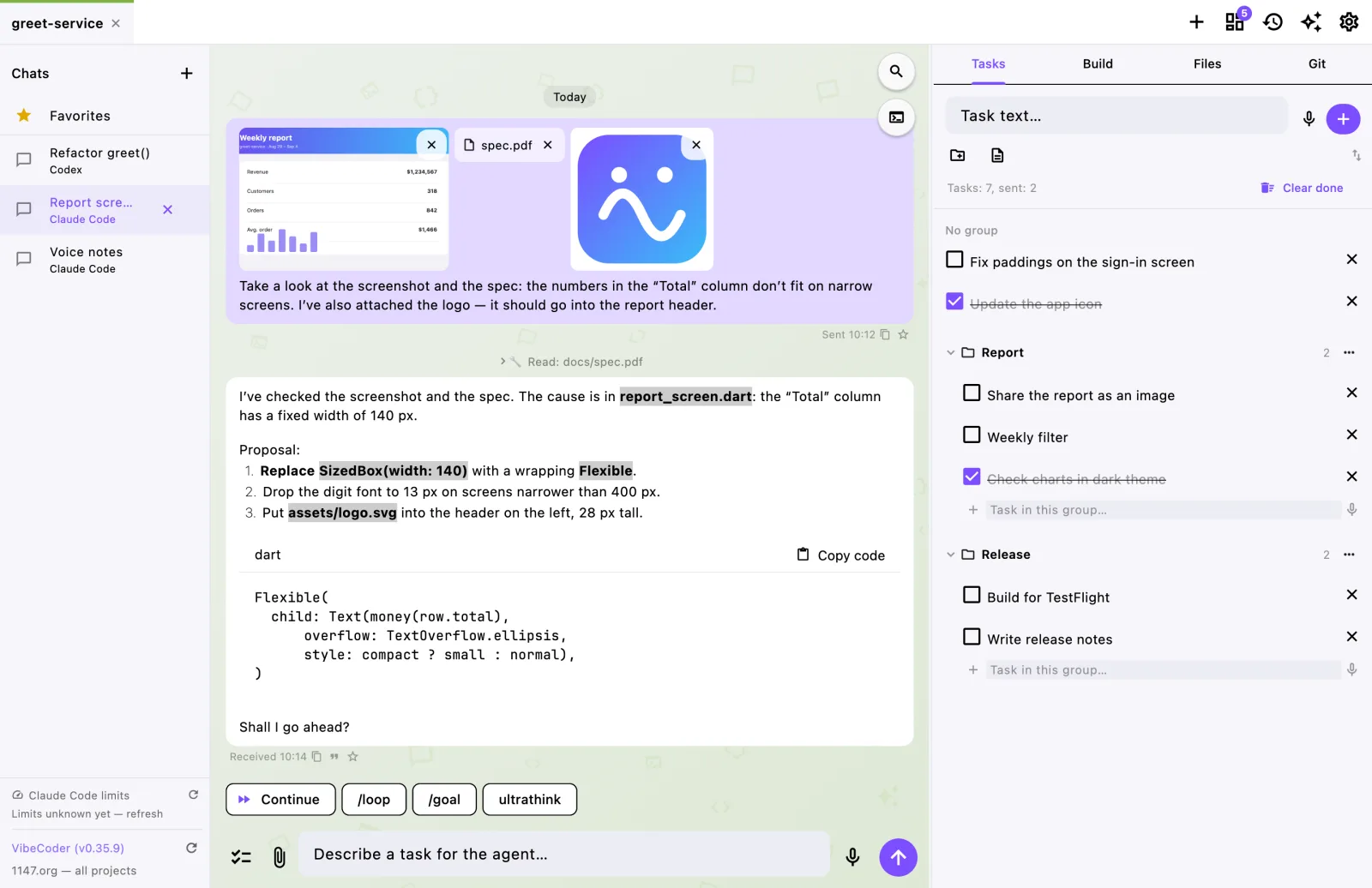
Codex in a window
VibeCoder runs your installed codex with your OpenAI account. Each message is a separate codex exec run, and the conversation continues via resume: close the app, open it tomorrow — the conversation is still there.
The agent’s answer appears in the feed as it works, and the Stop button interrupts it at any moment.
Koda
Koda is a Russian coding agent. VibeCoder runs koda just like Codex and adds the tail of the conversation to each request itself — so Koda remembers what you were talking about.
One project, different agents
A project can hold several chats with different agents: give a task to Claude Code and the review to Codex, or compare how different models handle the same task. All in one tab, without juggling terminals.
Shared by all agents
- voice input with speech-to-text on your computer;
- attachments: images, PDFs, any files;
- deferred tasks and sending them as a list;
- history, search, favourites and export to PDF;
- project files and git with commit history next to the chat;
- if a message did not reach the agent, it stays in the chat with a “Send again” button.
Getting started
- Download VibeCoder.
- In “Settings → Doctor” install Codex or Koda — the app does it via npm — and log in:
codex loginorkoda login. - Open a project folder and create a chat, choosing the agent.