A local AI coding agent on LM Studio
The model runs on your machine, and VibeCoder turns it from a chat partner into an agent: it reads project files, searches the code, edits it and runs commands. No cloud, no subscription — your code goes nowhere.
Not just a chat — an agent
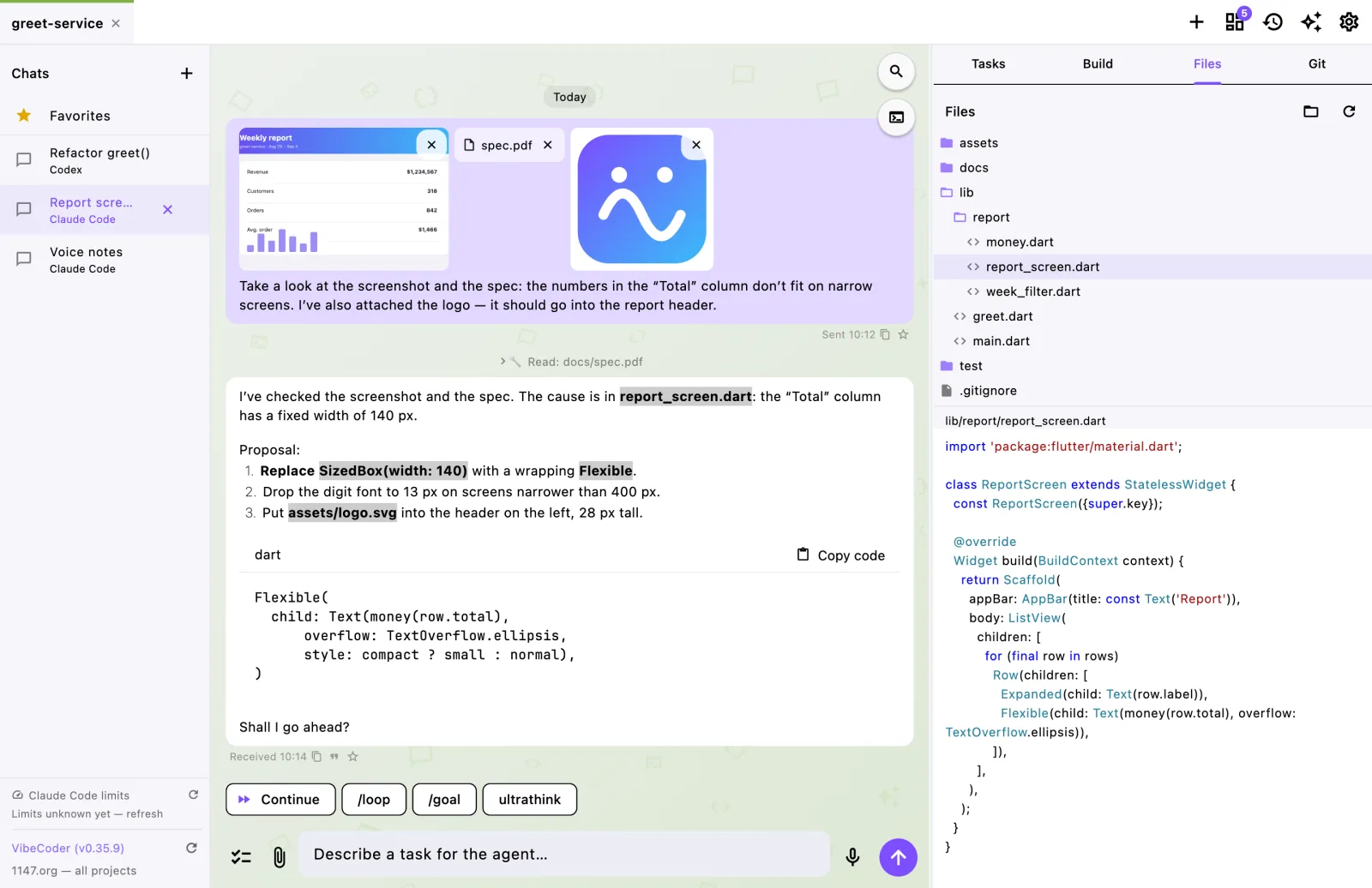
A model in LM Studio has no tools of its own — it can only call functions that were described to it. VibeCoder gives it six tools and runs them itself:
Read,Glob,Grep— read a file, find files by name and text in the code;Write,Edit— create a file or precisely change a fragment;Bash— run a command in the project folder: tests, builds, git.
An agent turn is a loop: the model asks for a tool, the app runs it and returns the result, until the answer is ready. Every call is visible in the feed as a line.
Under your control
- Permissions. The model may read and search silently, but editing a file or running a command needs your approval — with the same banner as cloud agents. There is an “allow everything” mode and pause too.
- The boundary is the project folder. Every path is checked: the model cannot step outside the project, not even by accident.
- Long commands are killed. A command that does not finish in two minutes (say, an accidentally started server) is stopped together with all its child processes.
Set up in a minute
- In LM Studio load a model and start the server (Developer tab → Start Server).
- In VibeCoder open “Settings → Local model” and enter the gateway address —
http://localhost:1234/v1by default. - Press “Check”: the app shows which models are loaded. The model field can stay empty — then whatever is loaded right now is used.
- Create a chat of the “LM Studio” kind in your project.
Which model fits
You need a model that supports function calling (tool use): for example the Qwen, GLM, Llama 3.1+ and Mistral families. LM Studio shows this capability on the model card.
If the model cannot call functions, nothing breaks: the app asks it again without tools and says in the chat why files are invisible to it.
Why local
- code and conversations never leave the computer — fine for closed projects;
- no subscriptions and no limits — the model runs as much as you need;
- works offline.